

What the channel list covers, by category
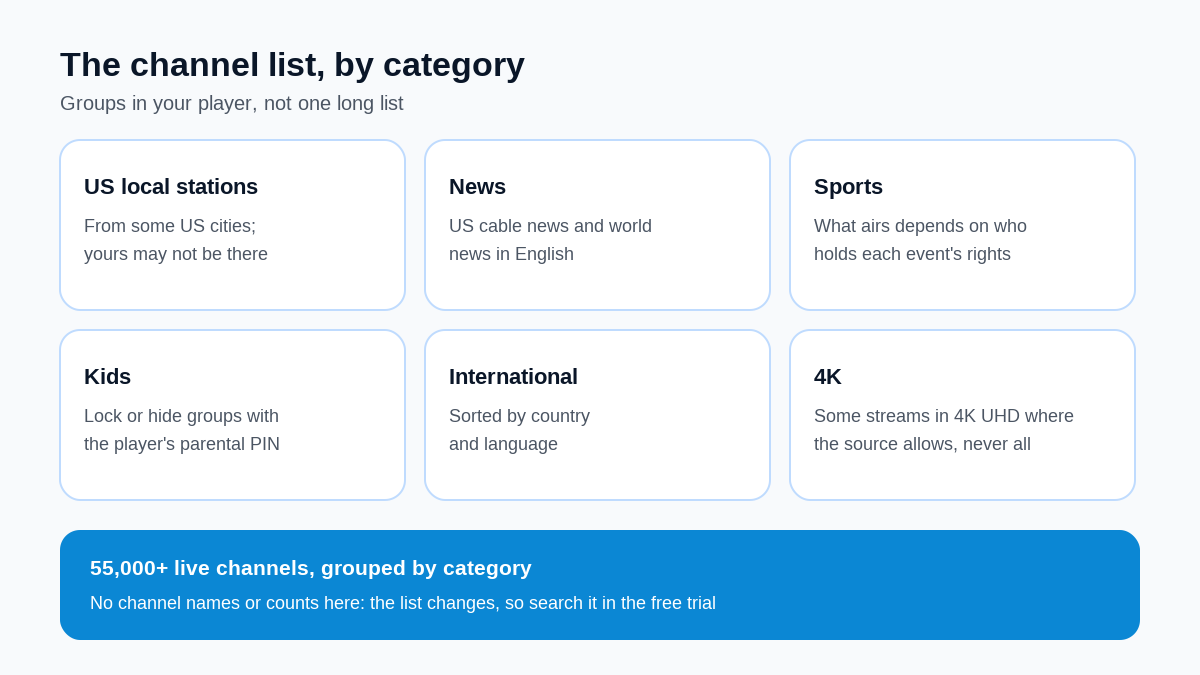
Apollo Group TV has 55,000+ live channels and 180,000+ VOD titles. The live channels are not one long list: they arrive in groups, one per category, and your player shows each group as a folder or a row. The table describes each category and links to the guide that covers it in depth.
| Category | What it holds | Full guide |
|---|---|---|
| US local stations | Broadcast stations from some US cities. Which cities appear varies and can change, so yours may not be there. | IPTV and local channels |
| News | National US cable news and English-language world news, usually in one News group. | news channels on IPTV |
| Sports | Sports channels in their own groups. What a channel shows on a given day depends on who holds the rights to that event. | stream the FIFA World Cup 2026 |
| Kids | Children's channels, which parents can lock or hide with the player's parental controls. | IPTV with kids channels |
| International | Channels from other countries, sorted into country and language groups. | IPTV with worldwide channels |
| 4K | Some streams in 4K UHD where the source allows; never every channel. | what you need to watch IPTV in 4K |
This page gives no per-category counts and names no channels, on purpose. A number or a name printed here would be out of date the first time a channel changed, and a channel name in a list tells you the network, not whether that stream plays today. Apollo Group TV holds no broadcast rights to any network. The only list worth trusting is the one your own player loads, which is what the trial is for.
How to see the full list in your player
There is no channel list to browse on this website, and no web player. The list lives in your login: once you enter the server URL, username and password in a player app, it downloads the channels and the program guide and shows them by group. Two players come up most often.
| Player | List features its developer names |
|---|---|
| TiviMate | Search, favorite channels, TV guide grid, catch-up, parental controls (Google Play listing) |
| IPTV Smarters Pro | Search, favourites, categories from your source, EPG, catch-up when supported (getiptvsmarters.com/features) |
TiviMate's Google Play listing names search, favorite channels, a TV guide grid, catch-up and parental controls, and says it is a media player only that provides no content. IPTV Smarters Pro's feature page names search and favourites, and says it shows categories supplied by your source, with the guide and catch-up when the source provides them. Neither app comes with channels: they show the list your login brings.
Menu names move between app versions, so this page does not give click-by-click paths. If you have not set a player up yet, our Apollo Group TV setup guide covers each device.
Search the list instead of scrolling it
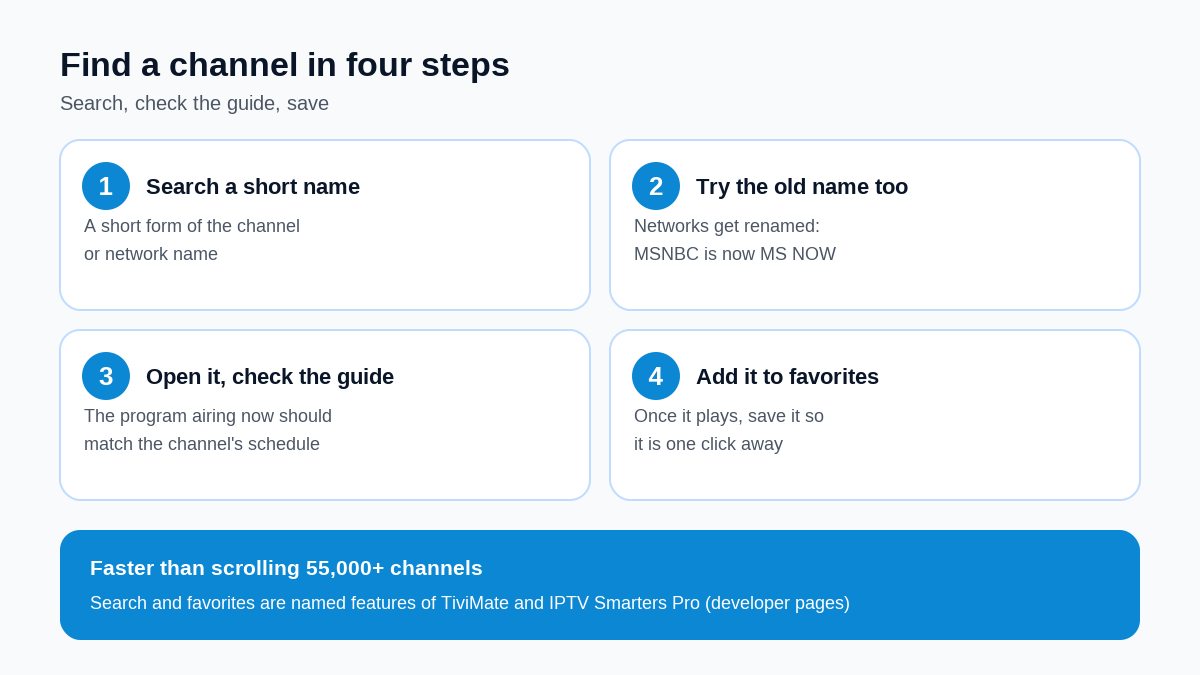
With 55,000+ channels, scrolling is the slow way. Search is faster and tells you more:
- Search by the short name. Type a short form of the channel or network name, not the full title, because lists label channels in different ways.
- Try the old name too. Networks get renamed. MSNBC became MS NOW, for example, as our news channels guide explains, and a list can show either name.
- Open the result and check the guide.The program shown as airing now should match the channel's own schedule. A stream that has stopped updating can still sit in a list under a familiar name.
- Add it to favorites. Once it plays, save it, so it is one click away next time.
Groups, favorites and the program guide
Three player features turn a long list into a short one you actually use.
- Groups. Channels arrive in category groups. Hide the groups you will never watch and the rest of the list loads and scrolls faster; nothing is removed from your subscription.
- Favorites. A favorites list is your own lineup: the dozen or so channels you really watch, kept in one place. It is stored in the player on that device, so set it up on each TV.
- The program guide (EPG). Apollo Group TV has a 7-day program guide and catch-up on supported channels. The guide shows what is on now and next; on a channel with catch-up you can go back and play a program that has already aired.
If the guide is empty or shows the wrong times, the IPTV EPG setup guide covers where the guide comes from and how to load it in each player. For families, the kids channels guide shows how to lock groups with a PIN.
Why the list changes, and what to do when it does
An IPTV list is not fixed the way a printed cable lineup is. Channels are added, renamed, moved to another group or taken out, and the program guide follows. That is why a list copied onto a website, ours or anyone else's, goes stale, and why this page describes categories rather than channels.
When a channel you watch seems to have gone, work through this order: search for it by name, then by any old name; check whether its group is hidden in your player; refresh or reload the playlist; then send support the channel name and what you see. If many channels fail at once, the problem is usually not the list at all; our guide to IPTV channels not loading starts there.
For a question about a channel, the Apollo Group TV customer service guide lists what to send so support can check it on the first reply.
Check the channels you watch in the trial
The free trial is the honest way to read the channel list: it is the real list, in your own player, on your own TV. It needs no credit card and works on one screen at a time, which is enough to check every channel you care about.
- Write down the ten or so channels you watch every week.
- Search for each one, by its current and any old name.
- Play each for a minute and check the guide shows the program airing now.
- Try the categories you use most, such as news or kids, at the hour you usually watch.
Channel list questions, answered
How many channels does Apollo Group TV have?
Apollo Group TV has 55,000+ live channels, sorted by category, plus 180,000+ VOD titles. A count says nothing about the channels you watch, so search for each of them by name in the trial.
Is there an Apollo Group TV channel lineup I can download?
This site does not publish a full list, because channels are added, renamed and removed over time and a page would go out of date. The current list is the one your player loads from your login, and the free trial shows it on your own device.
Why are some channels missing from my list?
A channel can be renamed, moved to another group or hidden in your player's settings. Search for it by name before you scroll, check any hidden groups, then refresh the playlist. If it is still missing, send support the channel name.
Where to go next
For the whole service at a glance, read the Apollo Group TV review. When you are ready to check the list yourself, try free for 24 hours — no credit card required. Apollo Group TV plans and prices start at $19.99 a month, and every plan is prepaid with no auto-renewal.
Sources
Checked on . Store listings and prices change; these are the pages to re-check.
Updated
Before you buy
What to know about Apollo Group TV
- Prepaid, no auto-renewalYou renew only when you choose to. Nothing is charged automatically.
- Support 24/7Every day, day and night. A person answers on WhatsApp, before and after you buy.
- Familiar ways to payVisa, Mastercard, Google Pay or Apple Pay.
- Terms in writingRead the refund policy and terms of service before you pay.
Try it before you pay
A free 24-hour trial lets you test the service before paying anything.
Start Free 24hr TrialOpens WhatsApp · a person replies 24/7
Plans from $19.99/month. Check monthly and multi-month prices →